Somewhere between the whelping box and the waitlist spreadsheet, most breeders end up with records spread across a notebook, a phone's photo roll, a sticky note on the fridge, and a handful of text threads with buyers. It works, until a due date sneaks up, a health record can't be found before pickup day, or two different people ask "who's next on the list" and get two different answers.
None of that is a discipline problem. It's a tooling problem — a breeding program produces genuinely varied data (pairings, litters, individual puppies, health events, buyers, money) and a notebook or a single spreadsheet tab isn't built to connect all of it.
Here's what dog breeder software actually needs to do to earn a place in a real program, not just look nice in a screenshot.
What a breeding program actually needs to track
Strip it down to the categories, and a season of breeding touches all of these:
- Dogs — full profiles for every dog in the program, with health clearances and sire/dam relationships
- Litters — a specific dam × sire pairing, with a due date and its own group of puppies
- Puppies — collar or ID, weight over time, sale status, and which buyer they're going to
- Health — vaccinations, treatments, and whatever preventive schedule you run, per dog and per puppy
- Buyers — the waitlist, deposits, and where each person is in the pipeline
- Paperwork — pedigrees, sale contracts, and printable records to hand over at pickup
- Finances — what came in, what went out, and what a litter actually made
A tool that only covers one or two of these — say, just a waitlist, or just a health log — still leaves you stitching the rest together by hand. The categories that matter are the ones that connect: a litter should know its due date from its pairing, a puppy's contract should pull from data already entered for the litter and the buyer, and a health reminder should already know a puppy's birth date and current weight.
A dam × sire pairing with the due date calculated automatically from a 63-day gestation.
The parts that actually save time
A few specific features are the difference between "digital notebook" and something that genuinely shortens your evening.
| Feature | What it saves you from |
|---|---|
| Auto-calculated due dates | Counting 63 days on a calendar for every pairing, by hand, every season |
| Heat cycle predictor | Checking each dam's history separately to guess her next breeding window |
| Auto-generated puppy contracts | Retyping buyer, price, sire/dam and terms by hand for every puppy in a litter |
| Health & dosing scheduler | Working out doses by weight from memory, and losing track of what's due today |
| 5-generation pedigree charts | Manually redrawing a pedigree tree for every litter from your own notes |
| Buyer & waitlist CRM | Losing track of who put down a deposit and where each buyer actually stands |
Why offline beats another subscription for this
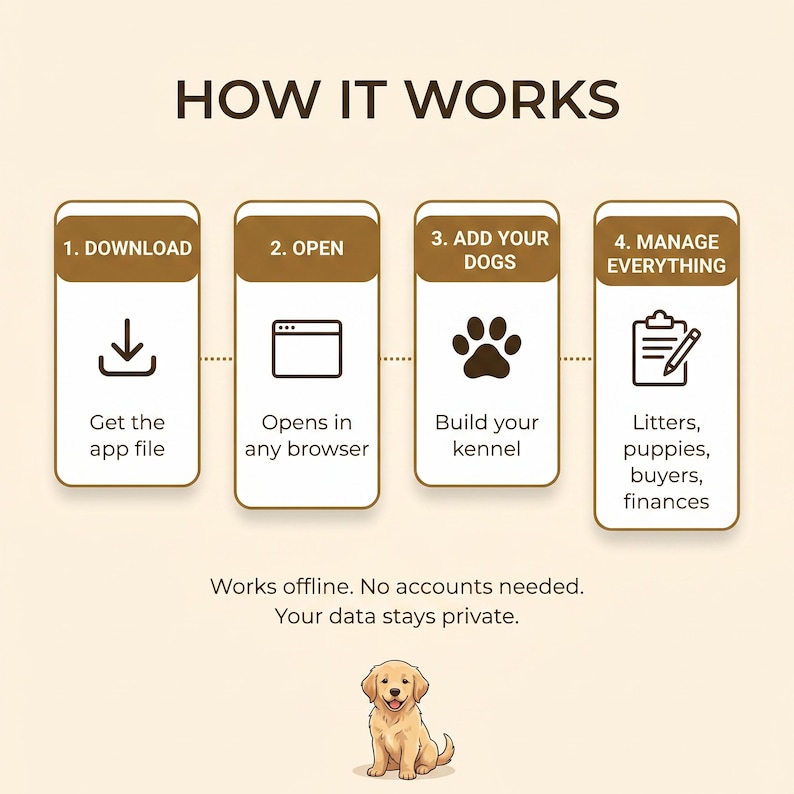
A kennel's records are exactly the kind of data that doesn't need to live in the cloud: your dogs, your buyers' contact details, your contracts. Offline software that opens in any browser and exports its own backup file covers the same ground as a cloud subscription — dashboard, records, contracts, printing — without a recurring charge, without an account that can be locked out, and without a third party's servers holding your buyers' personal information.
A health log with next-due alerts, and a sale contract auto-filled from data already in the app.
What this looks like in practice — Breed Boss
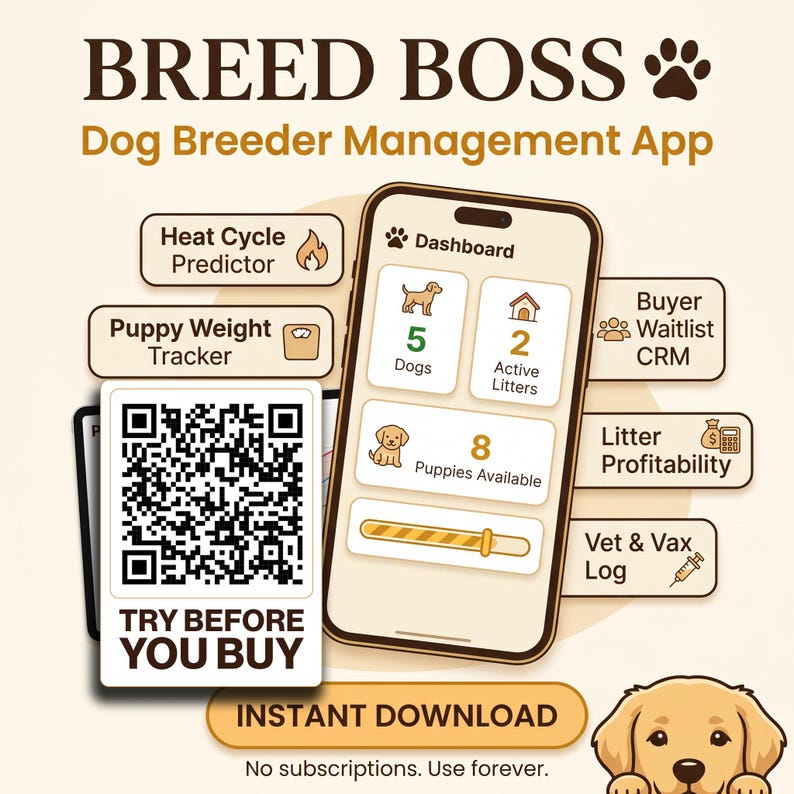
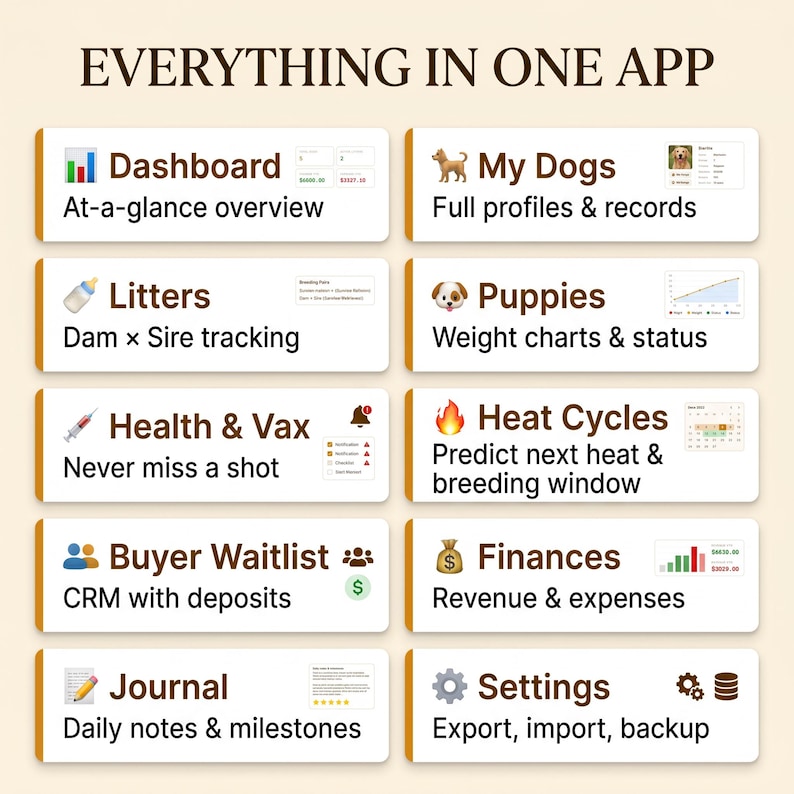
This is exactly the approach behind Breed Boss: a full kennel management app that runs entirely in your browser, no login and no monthly fee. It covers the categories above in one dashboard —
- Dashboard with dogs, litters, puppies, revenue/profit and smart alerts at a glance
- Full dog profiles with health clearances and sire/dam linking
- Litter planner with an auto due-date calculator from a 63-day gestation
- Puppy tracking — collar/ID, sale price, status, buyer assignment, plus a growth chart across a litter
- 5-generation pedigree charts, auto-built from your linked dogs and printable
- A prevention & dosing scheduler — a daily "what's due today" view per litter and adult dog, with a ready-made starter protocol or a fully custom program you build yourself
- Weight and temperature check-ins that recalculate doses automatically off the latest number
- Auto-generated puppy sale contracts and printable health/vaccination records
- Heat cycle predictor with color-coded breeding-window forecasts
- Buyer and waitlist CRM with deposits, status pipeline and notes
- Finances (income/expense tracking with running profit) and a dated, tagged journal
One dashboard for dogs, litters, puppies, revenue and alerts — no separate spreadsheet tabs.
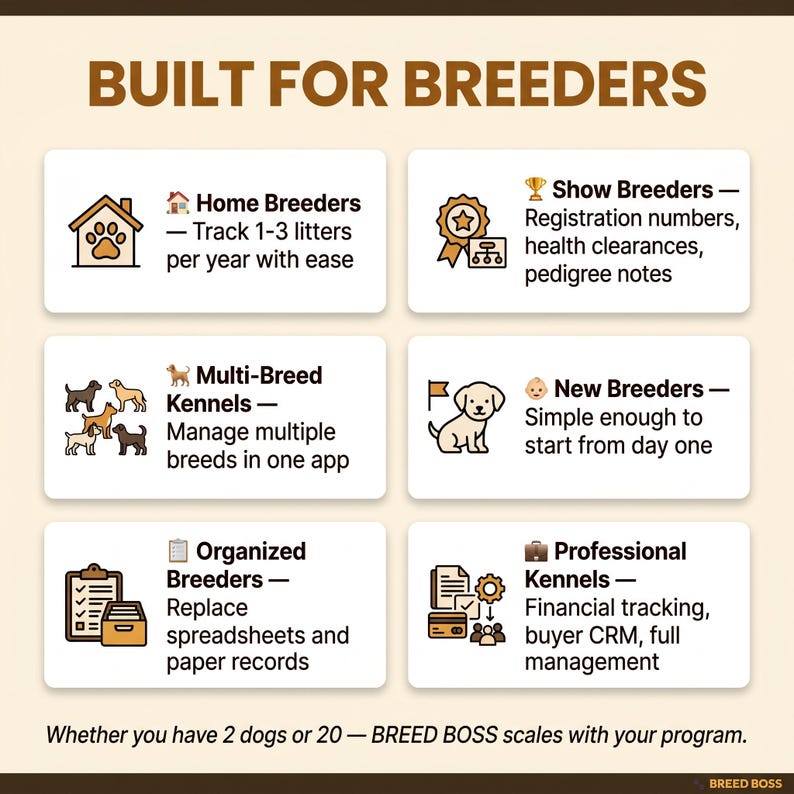
Who this actually helps
- Home breeders running 1–3 litters a year who are tired of losing track of the waitlist
- Show breeders who need registration and health clearances organized, not scattered across texts and photos
- Multi-dog or multi-breed kennels managing more than one program at once
- New breeders who'd rather start organized than build the system as they go
- Anyone still hand-writing puppy contracts the night before pickup
Try it before you commit
The listing includes a free limited demo linked in the photos — add a sample dog, generate a sample contract, and see how it fits your workflow before buying.
Get Breed Boss on Etsy →Instant digital download · one HTML file · no login · yours for life
Frequently asked questions
How is a litter due date actually calculated?
Canine gestation runs about 63 days from ovulation, so most breeder tools estimate a due date by adding 63 days to the confirmed breeding or ovulation date for a dam × sire pairing. A dedicated litter planner does this automatically the moment you log the pairing, instead of you counting days on a calendar by hand.
What should a heat cycle predictor actually track?
A useful heat cycle predictor logs each dam's cycle history and forecasts her next breeding window based on that pattern, usually with a color-coded view so you can see upcoming windows across your whole kennel at a glance rather than checking each dog's individual record one at a time.
Do I need cloud software to run a breeding program, or can it be offline?
You don't need the cloud for this. Kennel records — dogs, litters, health logs, contracts — are exactly the kind of data that works well stored locally: no monthly fee, no account to lose access to, and no one else's servers holding your buyers' information. An offline app that opens in any browser and exports a backup file covers the same ground without the subscription.
What belongs in a puppy sale contract?
At minimum: buyer name and contact details, the puppy's identification (collar color, microchip if applicable), sale price and deposit terms, sire and dam, and any health guarantee or return terms you offer. A tool that auto-fills these from data you've already entered saves you from retyping the same details by hand for every puppy in a litter.
How far back should a pedigree chart go?
Five generations is the common standard for a printable pedigree in most breed communities — enough to show a meaningful picture of a dog's ancestry for buyers and registries without the chart becoming unreadable. A tool that auto-builds this from the sire/dam links you've already entered saves you from manually redrawing a pedigree tree for every litter.
What's the difference between a locked and a custom prevention program?
A locked default program gives you a ready-to-use prevention and dosing schedule you don't have to build yourself, useful if you just want consistency without thinking about it. A custom program lets you set your own schedule — different vets and regions have different protocols — and an editable copy sits in between, a starting template you can tweak without building from a blank slate.