Why paint by numbers apps are so full of ads
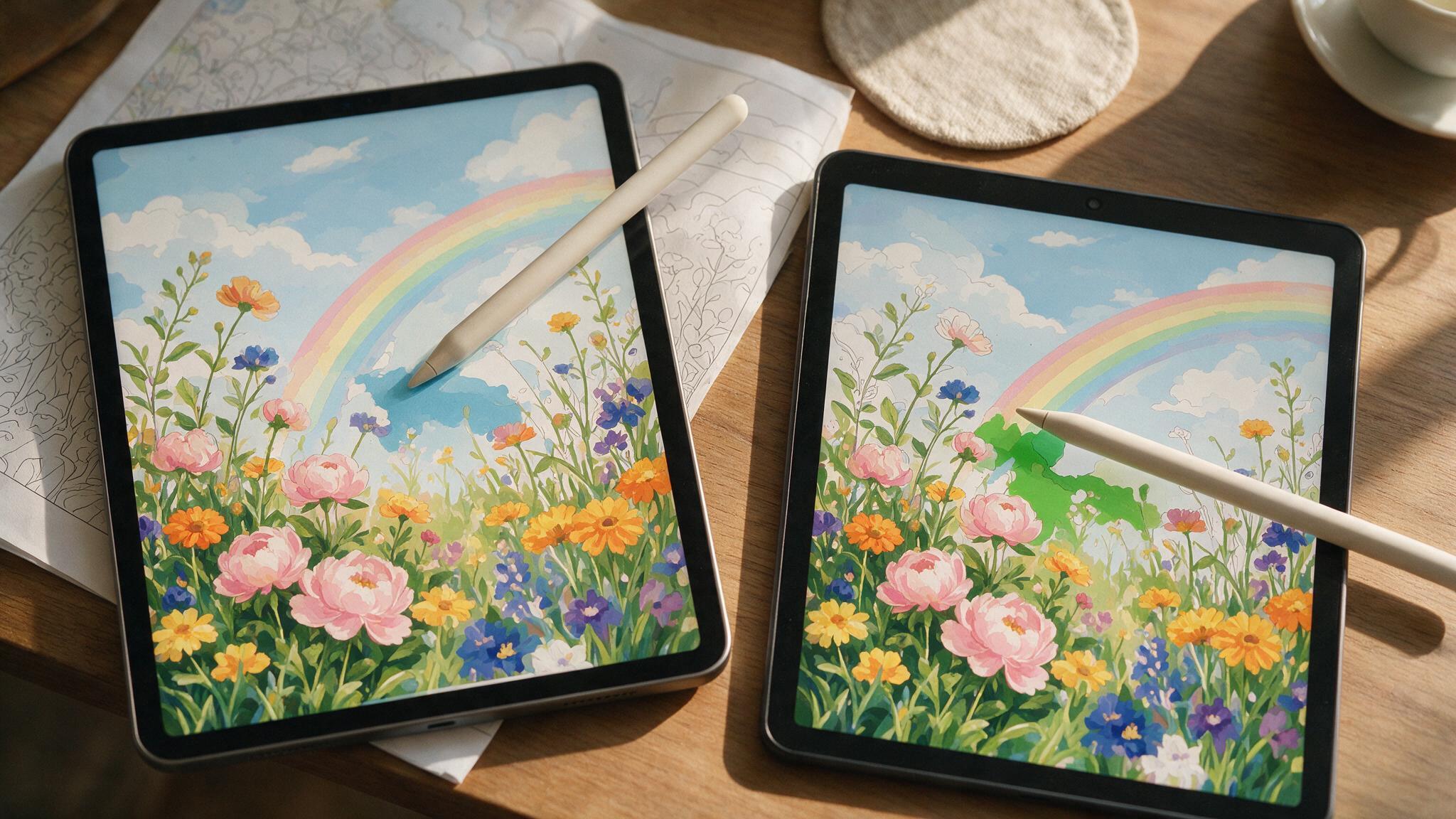
If a full-screen video ad has ever interrupted you mid-canvas, or a colour you wanted turned out to be locked behind a gem currency you have to earn or buy, you are not imagining a pattern. It is a pattern, and it has a straightforward business reason behind it.
The short answer
The app is free to download, and a free app has to make money somehow. Advertising between colours and gating parts of a picture behind an in-app currency are the two usual ways. Some apps sell an ad-removal tier, which helps but adds another cost. The more direct fix is skipping the app model entirely: a digital file you buy once, own outright, and fill in any drawing app you already have, has nothing left to advertise around.
Why so many paint by numbers apps are full of ads
Free-to-download colouring and paint-by-numbers apps are a well-known category for exactly this pattern, and it is not particular to any one app, it is how the free-app business model works generally. Building and maintaining an app costs money. If the app itself is free, that money has to come from somewhere else, and in this category it is almost always one of two places: advertising, or an in-app economy.
The advertising side is the interruption you notice, a video ad between finishing one region and starting the next. The in-app economy side is quieter and more common: an energy or gem system that limits how many colours you can fill before you have to wait, watch an ad anyway, or pay.
What "no ads" actually costs
Plenty of apps in this category do sell an ad-removal purchase or a subscription. It works, in the sense that the ads stop. What it does not change is the underlying model: you are still renting access to a picture inside someone else's app, rather than owning a file. Cancel the subscription, or the app gets discontinued, and the picture goes with it.
The alternative: a file you own, not an app you rent
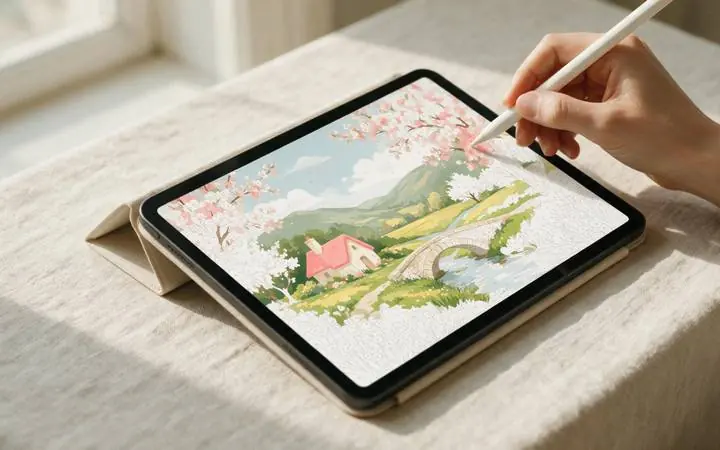
A digital paint-by-numbers kit sold as a file sidesteps the entire problem, because there is no app to monetise. You buy it once, and it is yours: a PDF to print, or a PNG with a colour key you fill on a tablet using a general drawing app like Procreate or Adobe Fresco, tapping each numbered region with the colour-drop tool. No ads, because there is no free app trying to cover its costs. No locked colours, because the whole palette was included in what you bought. Our iPad walkthrough covers the exact settings for filling a file this way.
What to check before you download any paint by numbers app
- Read the in-app purchase section on the store listing. If it lists an energy system, gem currency, or "unlock all colours" purchase, expect to hit a wall partway through a picture.
- Check whether ad-removal is one-time or a subscription. A subscription for an app you use occasionally rarely works out cheaper than buying files outright.
- Ask what happens to the picture if you stop paying. With a rented app experience, often nothing, you simply lose access. With an owned file, nothing changes, because nothing was ever conditional.
Own the file, not a subscription
Buy once, print or paint on a tablet as many times as you like. No ads, no locked colours, no app required.
Browse paint by numbers →