How many colours should a beginner start with?
Every digital paint-by-numbers kit worth buying comes in more than one difficulty. The same painting might be offered at 16, 24, 36, 48 and sometimes 96 colours, and the number you pick decides whether you spend a pleasant evening or a fortnight. Beginners almost always pick wrong, and they nearly always pick too high.
Here is what the colour count actually changes, and how to choose one you will finish.
What the number means
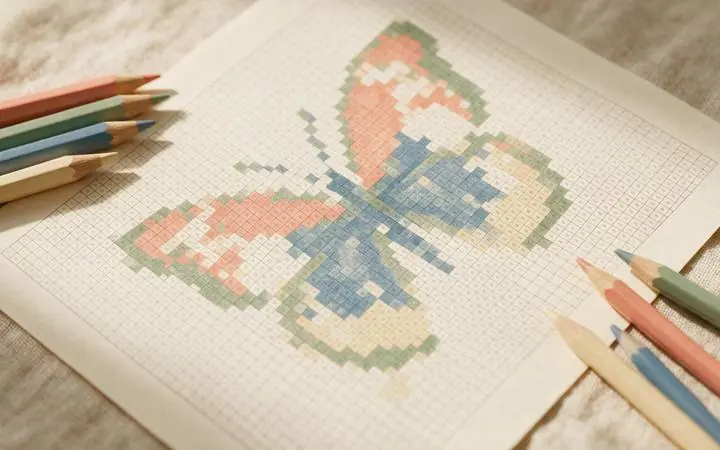
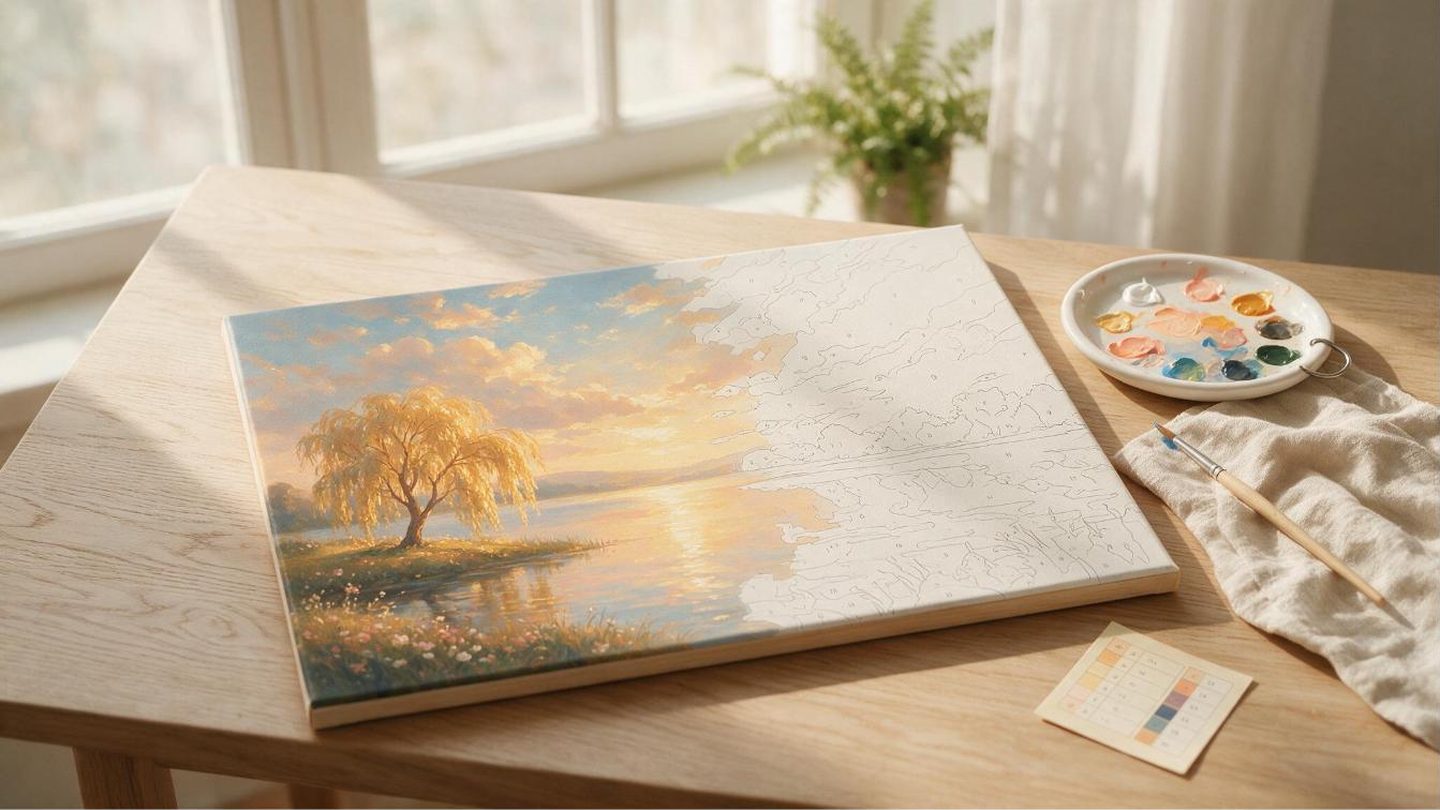
The colour count is not a measure of how pretty the result is. It is a measure of how many separate regions you have to fill. A 16-colour version of a painting has been simplified by the artist — whole ranges of tone collapsed into single flat colours — so there are fewer, larger areas. A 96-colour version keeps the subtle gradients, which means hundreds of small slivers of nearly-identical blue.
Both produce a finished painting. The 16 looks graphic and poster-like. The 96 looks close to a photograph. Neither is better; they are different objects.
Start at 16. Genuinely.
The instinct is to buy the highest number because it feels like getting more. What you are actually buying is more time. A rough guide, assuming an evening or two of attention:
| Colours | Regions to fill | Realistic time | Feels like |
|---|---|---|---|
| 16 | A few hundred | 1–3 hours | A relaxed evening |
| 24 | Several hundred | 3–5 hours | A weekend afternoon |
| 36 | Roughly a thousand | 8–12 hours | A few sittings |
| 48 | Well over a thousand | 15–25 hours | A proper project |
| 96 | Thousands | Days | Something you live with |
These are honest estimates for someone working at a comfortable pace, not racing. If you have never done one, a 16 will teach you the workflow in an evening and leave you wanting the 36. Starting at 96 teaches you that you do not like paint by numbers, which is not true — you just picked the wrong door.
The other thing beginners get wrong
Not the colour count: the medium. People buy a digital kit, print it, and reach for whatever paint is in the house. Two problems follow.
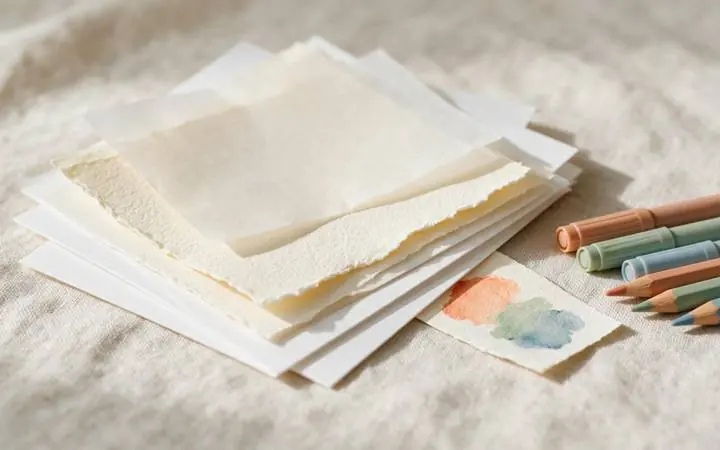
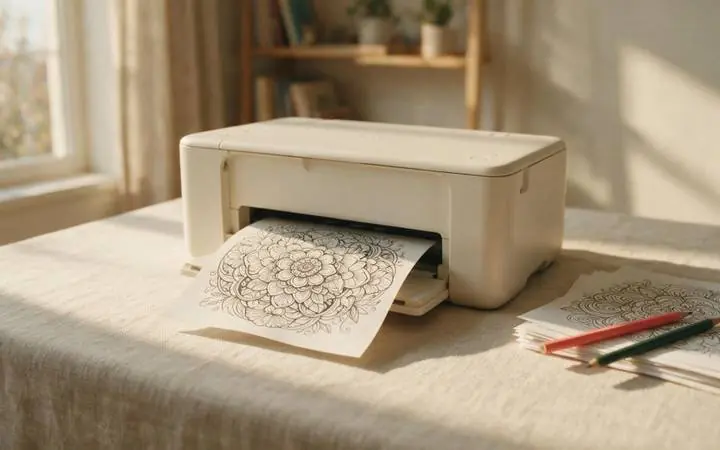
Acrylic is thicker than you think. On printer paper it buckles the sheet and the numbers vanish under the first coat before you have finished the region. Print on 200 gsm cardstock or heavier, and thin the paint slightly.
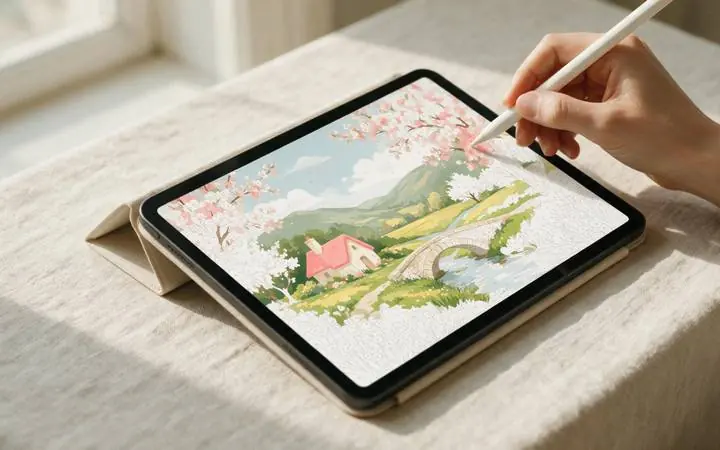
Or skip paper entirely. The reason these are sold as digital files is that you can fill them on a screen. Drop the PNG into Procreate or Adobe Fresco, load the supplied colour key as a palette, and tap each region with the colour drop. No drying time, no buckling, and undo exists. Our iPad walkthrough covers the exact settings, including the fill threshold that stops white halos appearing at every edge.
Pick a subject you would hang up
This sounds soft and it is the single best predictor of whether a kit gets finished. Halfway through a 36-colour painting the novelty is gone and the only thing carrying you is wanting the result to exist. A generic bowl of fruit will not do that. A place you have been, a landscape you love, a scene from something you care about — that will.
Paint by numbers tips: a workflow that keeps you moving
- Work one colour at a time. Fill every region marked 7 before you touch 8. Constantly swapping colours is the fastest way to make an evening feel like admin.
- Start with the largest areas. Sky, water, background. Big blocks of progress early are motivating in a way that fiddly detail is not.
- Leave the darkest colours for last. On paper, dark paint covers a mistake. On screen it makes no difference, but the habit is harmless.
- Do not chase the reference. The finished preview shows blending the kit does not ask for. Fill the regions flatly; the painting resolves at arm's length, not at nose distance.
- Stop at a colour boundary. If you must put it down, finish the colour you are on. Coming back mid-number is where people lose their place and give up.
- Work top to bottom if you are right-handed, bottom to top if you are left-handed. On physical canvas this keeps your hand from dragging back through paint that has not dried yet, which is the single most common cause of smudging.
- Keep a scrap edge to test opacity. One dab on a spare corner or a scrap of the same paper tells you whether a colour needs a second coat before you commit it to the actual region.
Buying: what to check before you pay
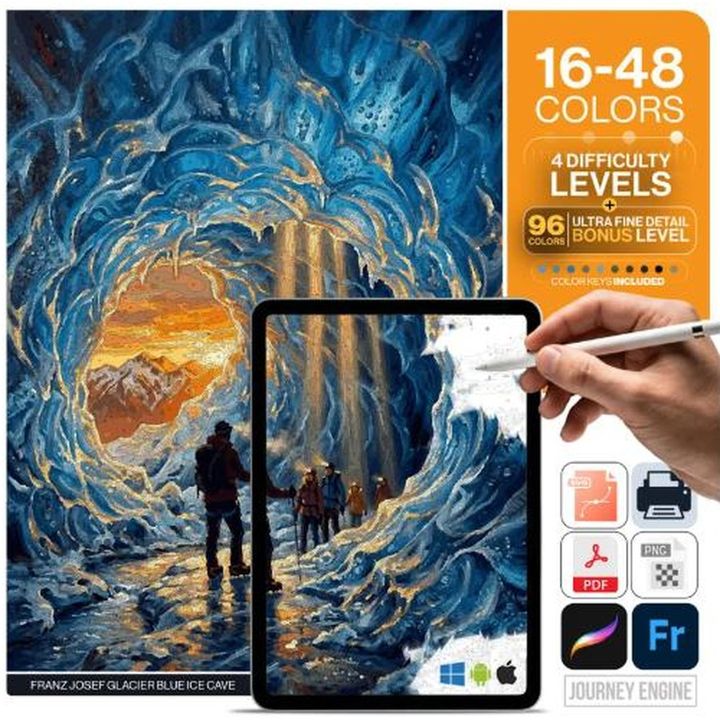
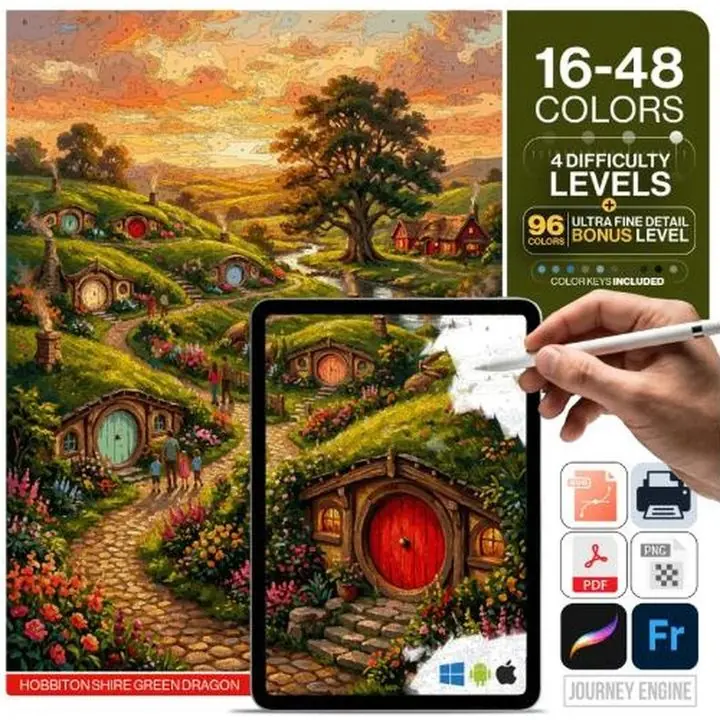
- How many levels are included. A kit that includes 16 through 48 means you can start easy and repaint the same scene harder later, from one purchase. A single-level kit locks you in.
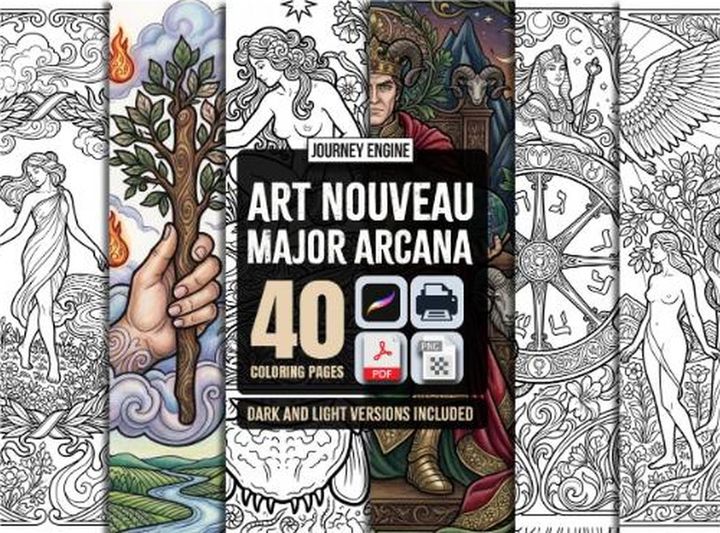
- File formats. PDF for printing, PNG for tablets, SVG if you ever want to scale to a large canvas. All three is ideal.
- Whether a colour key is included, with hex codes. Without hex values you are eyeballing paint matches, and that is where finished paintings go muddy.
- Resolution. Under roughly 3000 px on the long edge, region edges go soft and digital fill tools start bleeding across lines.
Everything in our paint by numbers collection ships with four to five levels, a hex-coded key and all three formats, so the first decision you have to make is which painting rather than which file.
So: which one?
If you have never done one, 16 colours, a subject you like, on a screen or on cardstock. Finish it in an evening. Then buy nothing — open the 36 that came in the same download and do the same painting properly.
That progression, one file to the next, is the whole reason these are sold as graded sets.
Start with sixteen colours
Every kit ships with four to five difficulty levels in one download — so the easy version and the hard one cost the same.
Browse Paint by Numbers →