Digital paint by numbers kits, explained: formats, apps, and how to choose
"Digital paint by numbers kit" gets used as if it means one specific thing, and it doesn't. It can mean a file you paint on a tablet screen, or a file you print at home and paint with real acrylics. It can arrive as a Procreate template, a flat PNG, or an SVG. None of that is obvious from a product listing. Here's what's actually inside a digital kit, which format fits your setup, and what to check before you buy one.
What's actually in the file
A digital paint-by-numbers kit is a set of files, not an app. Most kits bundle a few formats so they work across different setups:
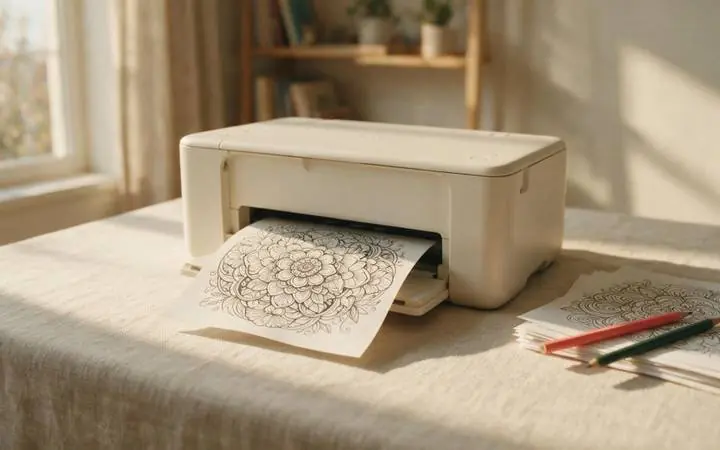
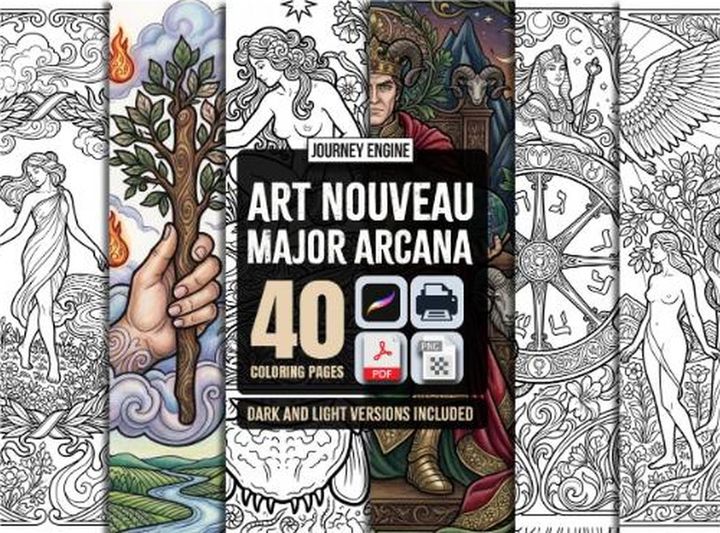
- PDF. A print-ready version, usually sized for standard paper, meant to be printed at home and painted with real paint and a brush — the "digital" part is just how you received it.
- PNG or JPG. A flat image version of the numbered canvas, for opening in almost any painting or drawing app, including ones that don't support layered files.
- SVG. A vector version, useful if you want to resize the canvas without losing sharpness, or feed it into a cutting or engraving machine.
- Procreate brush or template file. A ready-made layer setup for Procreate specifically, usually with the numbered guide on its own layer so you can paint underneath it and hide it later.
Whether a given kit includes all four or just one or two is entirely up to the seller. Check the listing's format list before buying if you have a specific app in mind.
Two different experiences, one label
This is the part that trips people up. "Digital kit" covers two genuinely different activities:
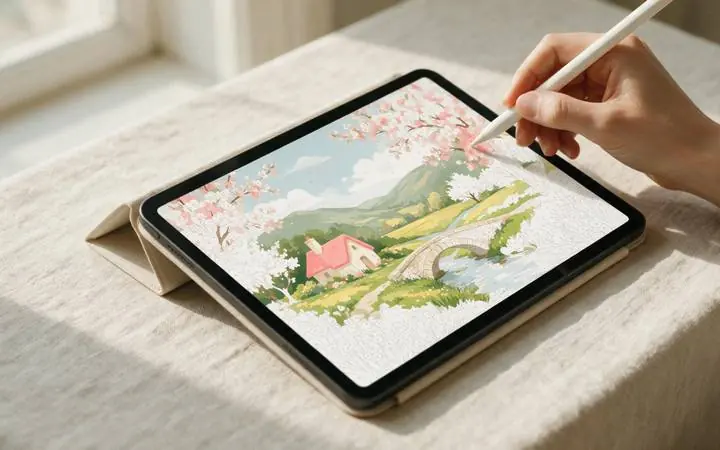
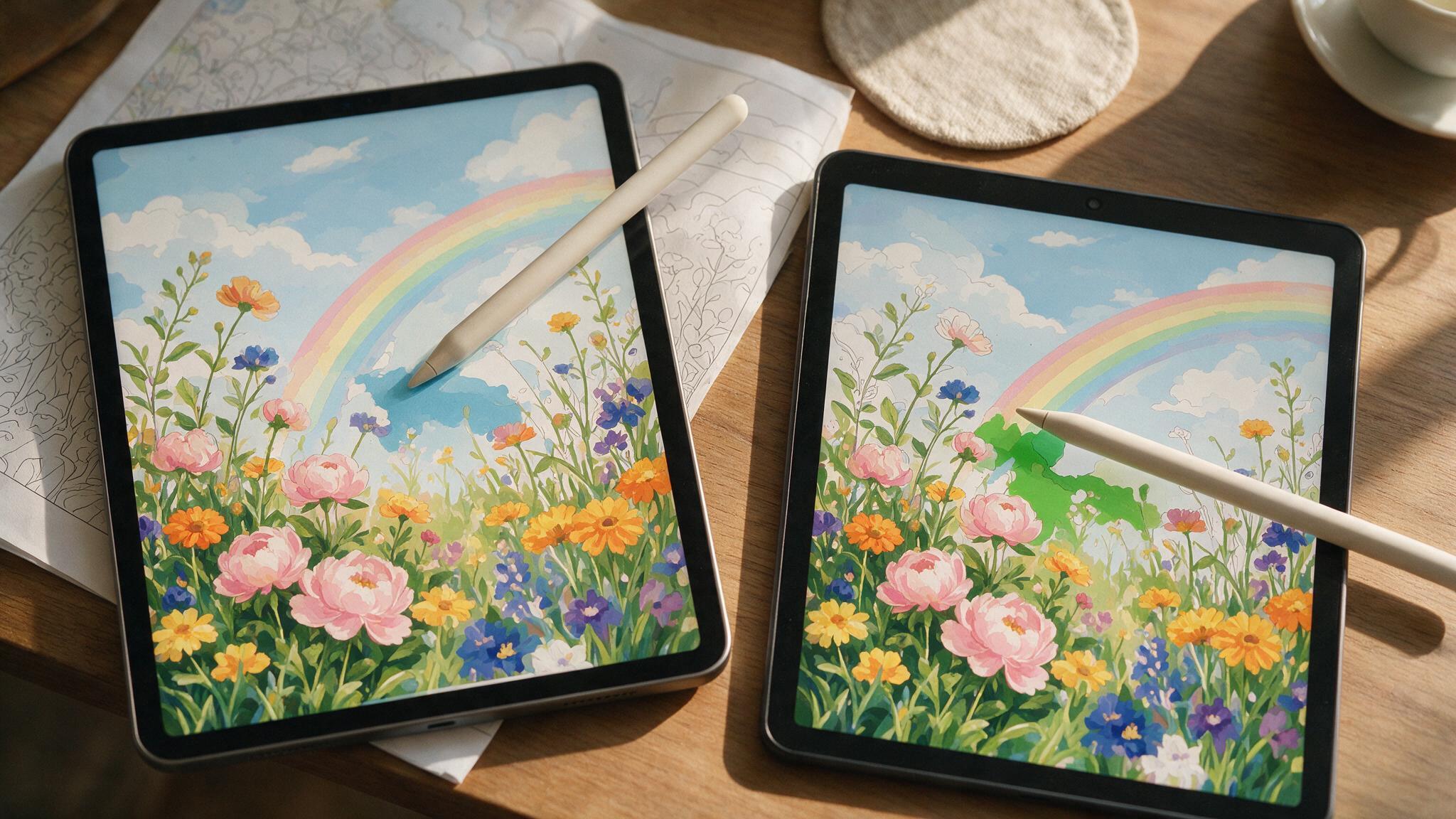
- Paint-on-screen. You open the file in a tablet app and fill the numbered regions with a stylus, the same motion as the physical hobby but with digital paint layers.
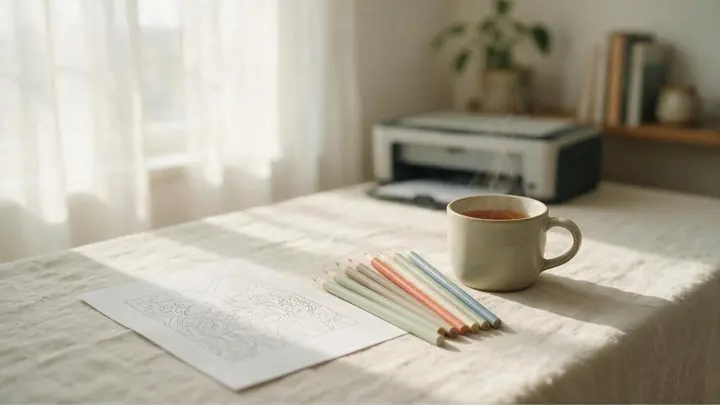
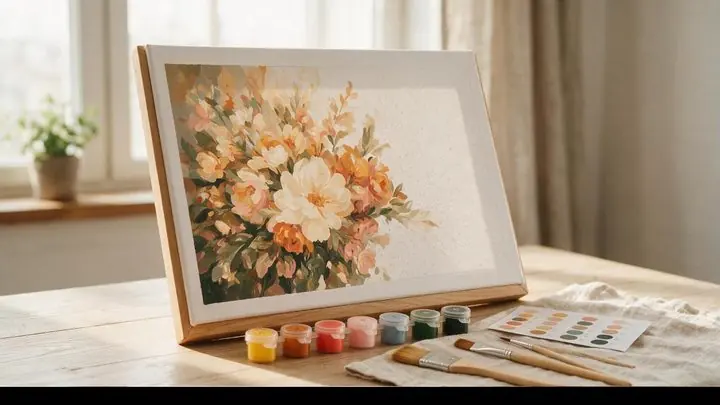
- Print-and-paint. You print the PDF at home and paint it with real acrylics and a brush, exactly like a physical kit, minus the shipping wait.
Both are "digital" in the sense that you bought and received a file. Only one of them involves painting on a screen. Decide which experience you actually want before you buy — a beautifully laid-out Procreate template is wasted on someone who wanted to print and paint with a brush.
Which app do you need
If you're painting on-screen, the app matters more than the device brand:
- iPad + Procreate. The most common combination for digital paint by numbers, and the one most kits are built for first. We cover the exact setup in our iPad workflow guide.
- Android tablet + ibisPaint or Infinite Painter. Both support layered files and a numbered-guide workflow similar to Procreate, and both have solid free tiers.
- Laptop or desktop. Less common for painting by hand, but a PNG or PDF still opens fine in any image editor if you'd rather use a mouse or drawing tablet.
- No app at all. Print the PDF and paint it physically. This is the lowest-friction option if you already own paint and brushes and just want the design.
What to check before you buy
- Print resolution. If you plan to print, check the file's DPI at your intended size. A file built for a small canvas will look soft blown up to a full page.
- Colour count and levels. Digital kits often ship in multiple difficulty levels from one design. More colours means more time, not more skill required — see our colour-count guide for realistic estimates.
- Layer structure. For on-screen painting, check whether the numbered guide sits on its own layer you can hide once you're done, versus being baked into a single flat image.
- Licensing. Most kits are sold for personal use only. If you want to sell or publicly redistribute a finished piece, check the listing's terms first.
Digital vs. physical, the short version
Digital kits are cheaper on average, arrive instantly, and produce zero physical clutter. Physical kits give you an actual painted object without needing a tablet, and they don't depend on you owning the right app. If you're weighing the two more broadly — not just format, but the whole hobby experience — our paint by numbers vs. diamond painting comparison covers a lot of the same ground from a different angle.
Quick answers
What file format is paint by numbers usually sold in? Most digital kits include a PDF for printing plus at least one of PNG, SVG, or a Procreate template for on-screen painting. Good listings say exactly which formats are included.
Do I need Procreate specifically? No. Procreate is the most common app for this, but Android alternatives like ibisPaint and Infinite Painter support the same layered workflow, and a flat PNG or PDF opens in almost anything.
Can I print a digital kit instead of painting on a screen? Yes — most digital kits include a print-ready PDF for exactly this. You paint it with real paint and a brush, the same as a physical kit.
Is a digital kit cheaper than a physical one? Usually. There's no canvas, paint, or brushes to manufacture and ship, so digital kits are typically the lowest-cost way to try a new design.
Browse digital paint by numbers
Printable and Procreate-ready kits, five difficulty levels, delivered instantly.
Browse Paint by Numbers →