The real problems with diamond painting
Diamond painting is genuinely relaxing once you are in it. Pressing tiny resin facets into a sticky canvas one at a time, watching a picture resolve out of what looked like static, is exactly the kind of repetitive, low-stakes focus a lot of people are looking for. It also comes with a specific, well-known list of complaints that nearly every diamond painter runs into eventually. We make a digital version of the same idea, so we spent a long time thinking honestly about which of those problems actually go away when the diamonds do, and which do not.
The short answer
Going digital removes the mess, the sorting, the lost diamonds, and the shipping wait, because there is nothing physical to spill or lose in the first place. It does not give you the tactile, sparkly texture of real resin under your fingers. If the appeal for you is the hidden-picture puzzle and the steady, numbered focus, a digital mystery mosaic gets you there with none of the cleanup. If the appeal is specifically the physical craft object, the digital version is a different hobby wearing a similar shape.
The diamonds themselves
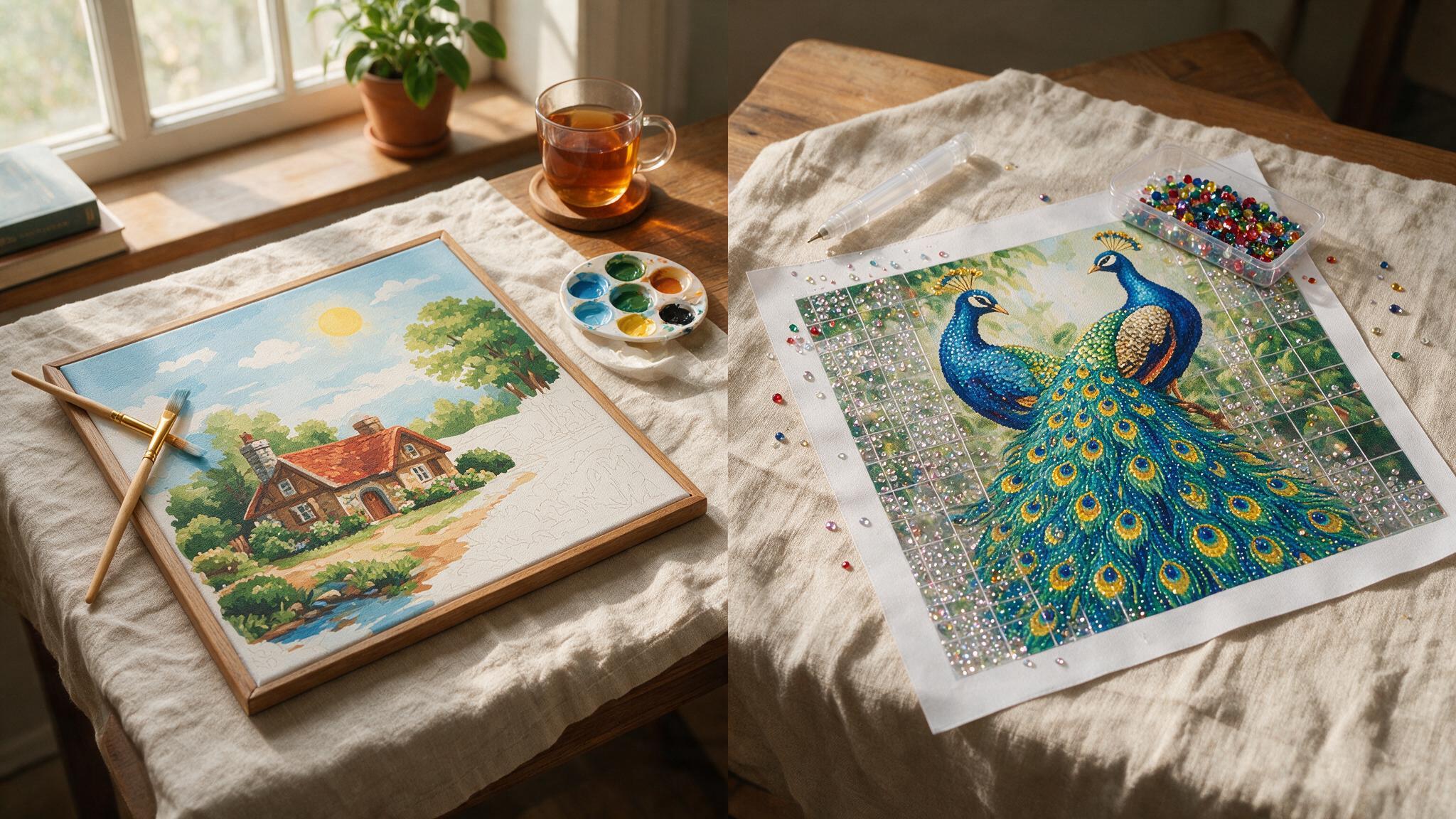
The single most common complaint in diamond painting communities is also the most obvious one: the diamonds. Hundreds of tiny resin facets, sorted into numbered bags, that need decanting into a tray without tipping half of them onto the floor. Drop a bag on carpet and you can spend twenty minutes on your hands and knees finding them, and you will still lose a few permanently. Finish a canvas and you often have leftover diamonds in half-used bags with nowhere sensible to store them for next time.
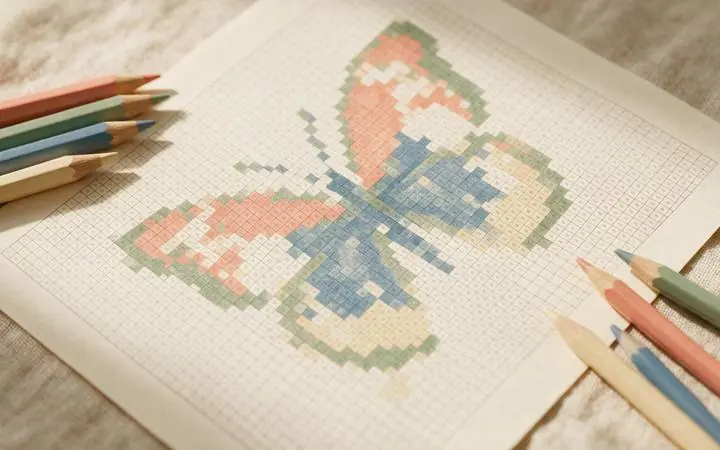
None of that exists in a digital version, because there are no physical diamonds. A digital mystery mosaic is a file: a layered grid where each numbered square gets tapped in with a colour instead of a facet. You cannot spill a colour palette. You cannot lose the number 47 bag under the sofa.
Wax that will not cooperate
The applicator pen relies on a small ball of wax to pick up each diamond, and that wax is more temperamental than it should be. In humid weather it goes soft and struggles to release the diamond cleanly. In a dry, cold room it can lose its tack entirely and stop picking diamonds up at all. Most diamond painters end up keeping a spare wax block around and re-pressing the pen tip every session, which is a small chore that adds up over a large canvas.
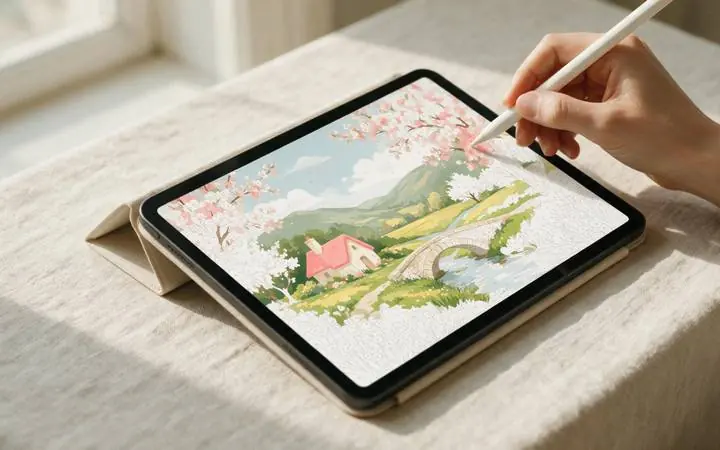
A digital version skips this step completely, because there is no applicator pen and no wax. You paint with a stylus or your finger directly, the same way you would in any drawing app, and the tool behaves exactly the same in July as it does in January.
Losing your place
Large diamond painting canvases usually get stored rolled between sessions, and unrolling a partially finished canvas without it curling back up, catching, or shifting the diamonds you have already placed is its own small skill. Coming back after a week away and trying to figure out exactly which numbered regions you had and had not finished, especially in a busy section of the design, is a real source of friction that has nothing to do with the actual painting.
On an iPad, the file simply reopens exactly where you left it, at whatever zoom level you were using, with completed squares staying completed. There is no unrolling, no re-orienting, and no risk of the canvas shifting between sessions.
What honestly does not carry over
We think it is worth being straightforward about the other side of this. Part of diamond painting's appeal is tactile: the specific feel of pressing a diamond into a sticky canvas, the physical sparkle of a finished piece catching the light, having an object you can frame and hang on a wall when you are done. A digital file does not replicate that texture, and if that physical, sparkly finish is the actual draw for you, going digital trades it away rather than fixing it. What it replaces that texture with is speed, portability, and a total absence of consumable supplies. It is a genuine trade, not a strict improvement, and which side of it you land on depends on what you actually enjoy about the hobby.
What you get instead
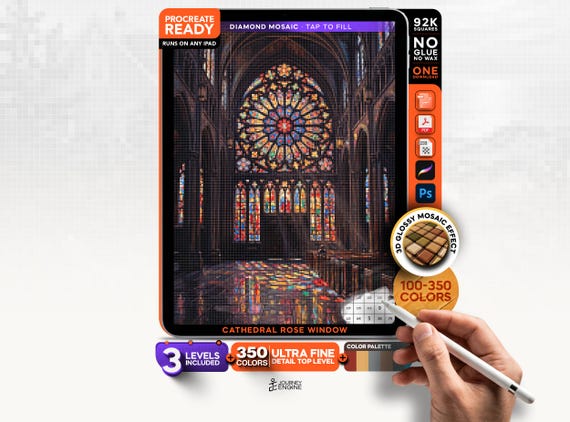
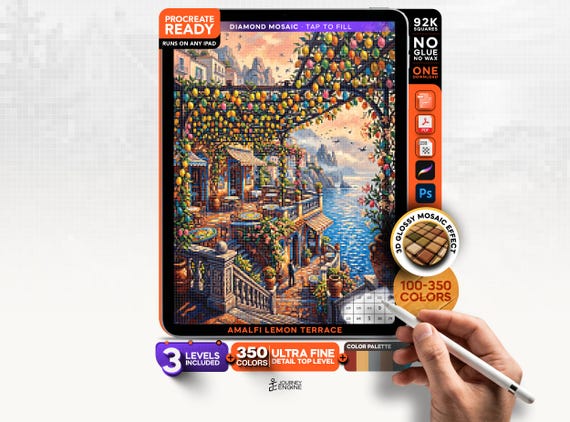
Our Diamond Painting collection is built as a digital mystery mosaic: the same hidden-picture idea as physical diamond painting, using a strict grid of small numbered squares instead of resin facets, so the picture stays hidden until enough of the grid is filled in. Every design ships as a Procreate-ready file with the grid on its own layer at three difficulty levels, from a relaxed 100 colours up to an ultra-fine 350-colour version running to roughly 92,000 squares. There is no shipping to wait on and nothing left over to store, because the file is the whole kit. If you want the mechanics of Procreate setup itself, our guide on digital paint by numbers on iPad covers the app side in more depth, and if you are still weighing physical against digital in general, our paint by numbers vs. diamond painting comparison looks at the broader trade-offs.
Browse the Diamond Painting collection
53 designs, three difficulty levels each, up to 350 ultra-fine colours. Instant download, nothing to sort or spill.
Browse Diamond Painting →Is digital diamond painting the same thing as regular diamond painting?
The core idea is the same: a hidden picture that resolves as you fill in a numbered grid. The difference is what you fill it with. Physical diamond painting uses resin facets pressed onto a sticky canvas. Digital diamond painting is a mystery mosaic file you paint on a tablet, most often in Procreate, with a strict grid of small numbered squares instead of irregular regions.
Do I lose the sparkly diamond texture if I go digital?
Yes, honestly. A digital file has no physical resin and no sparkle under light. If that tactile, faceted finish is the specific thing you love about diamond painting, a digital version will not replicate it. What it offers instead is no mess, no lost pieces, and no wax to fight with.
What do I actually need to get started?
An iPad and Procreate. Each download includes all three difficulty levels for the design, a layered PSD with the numbered grid on its own layer, and Procreate swatch files for the colour key, so you can be painting within minutes of buying it.
Can a beginner start with digital diamond painting?
Yes. Start on the 100-colour level for any design. It has the fewest, largest squares and is the fastest way to learn the workflow before moving up to the 220 or 350-colour versions on a design you already like.
Is it cheaper than physical diamond painting?
Generally, because there is nothing to manufacture or ship. You are buying a file, not a kit with a canvas, diamonds, a tray, and an applicator pen bundled in.
What if I actually want the physical version?
That is a completely reasonable thing to want, and this line is not meant to replace it. If the tactile resin experience is the point for you, a physical diamond painting kit will still deliver that in a way a digital file cannot.