Free printable mazes for kids, made in seconds
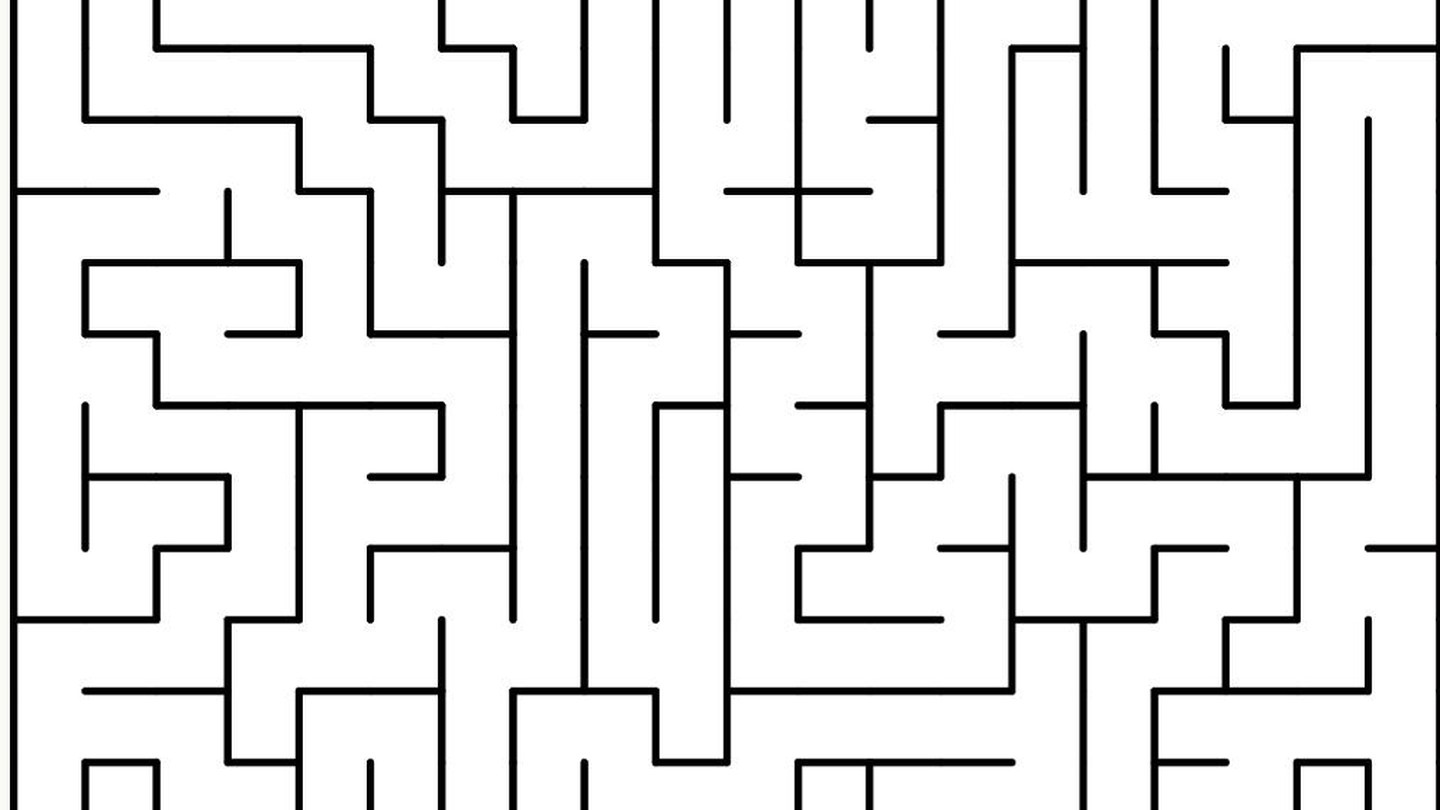
A maze looks like a throwaway kids' activity — something you print once and forget. But a good maze is doing real work: it is quietly training a child's pencil control, visual tracking and patience, and it costs nothing to make one exactly the right size for the kid in front of you. Here is what mazes are actually good for, and a free tool that builds a fresh one, in any shape, in a few seconds.
What a maze actually trains
It looks like idle scribbling, but tracing a path through a maze asks a child to do several things at once:
- Pencil control. Staying inside a narrow corridor without crossing a wall is fine-motor practice in disguise — the same small-muscle control that feeds into handwriting.
- Visual tracking. Following a path with the eyes before (or instead of) the hand builds the scanning skill used in reading.
- Planning and problem-solving. Bigger mazes reward looking ahead rather than just following a wall, which is an early, low-stakes form of planning.
- Patience with a dead end. Hitting a wall and backtracking, calmly, is a skill on its own — and a maze lets a kid practise it with zero consequences.
None of that requires a worksheet packet or a subscription. It requires a maze that is the right size for the child solving it, which is the part most printable maze sites get wrong — they hand you one fixed difficulty and that is that.
Matching the maze to the kid
| Age / stage | Grid size | Shape | Why |
|---|---|---|---|
| Preschool – Kindergarten | 6×6 to 8×8 | Square | Wide corridors, one obvious route, quick win |
| Early elementary | 10×10 to 14×14 | Square or triangle | A couple of dead ends without frustration |
| Upper elementary | 16×16 to 20×20 | Hexagon or circle | Real planning required, still finishable in one sitting |
| Tweens, teens, adults | 24×24 and up | Any shape | Long enough to be satisfying rather than trivial |
The size of the grid is what sets the difficulty — not the shape. Shape mostly changes how a maze feels to solve.
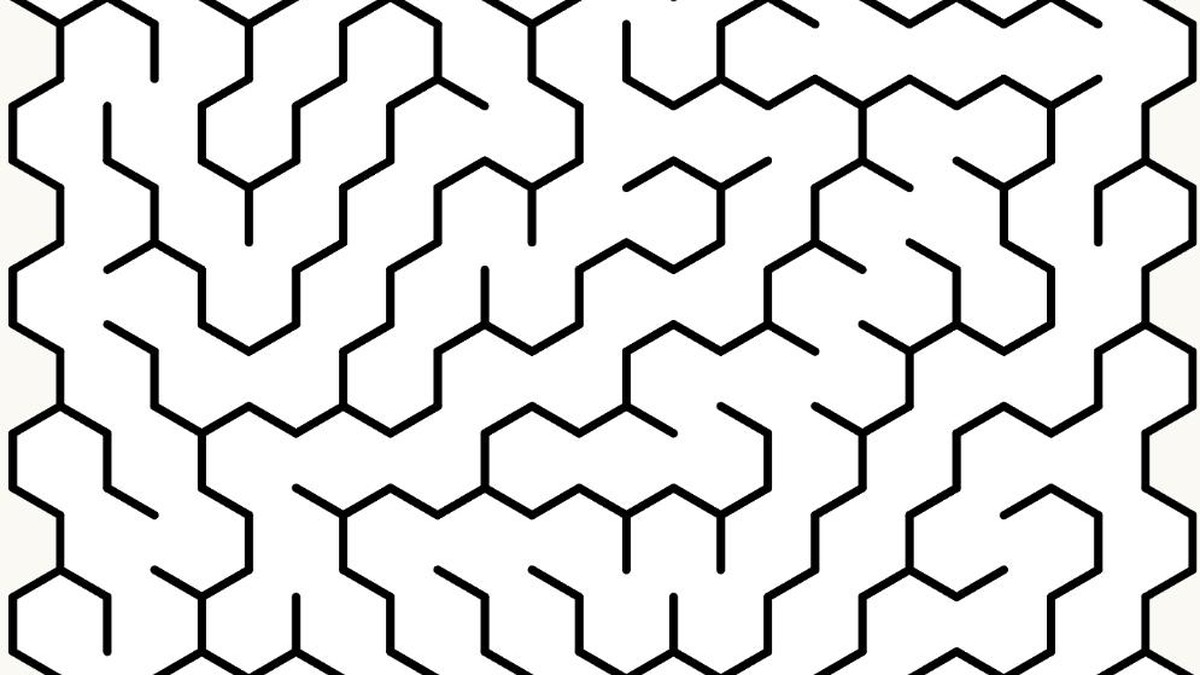
Meet the free maze generator
We built a maze generator as a free tool on the site, no account and no watermark. It is meant to be the fastest way to get a maze that fits one specific kid, one specific worksheet, right now:
- Four shapes. Square, triangle, hexagon and circle.
- Ten generation algorithms. Recursive Backtrack, Kruskal, Wilson, Sidewinder and more — each produces a visibly different pattern of corridors, from long winding paths to short branching ones.
- Adjustable width and height. This is the actual difficulty dial — drag it up for a bigger, harder maze, or down for a two-minute one.
- A mask tool. Draw a custom outline — a pumpkin, a heart, a star — and the maze generates inside that shape instead of a plain rectangle. Good for seasonal or themed worksheets.
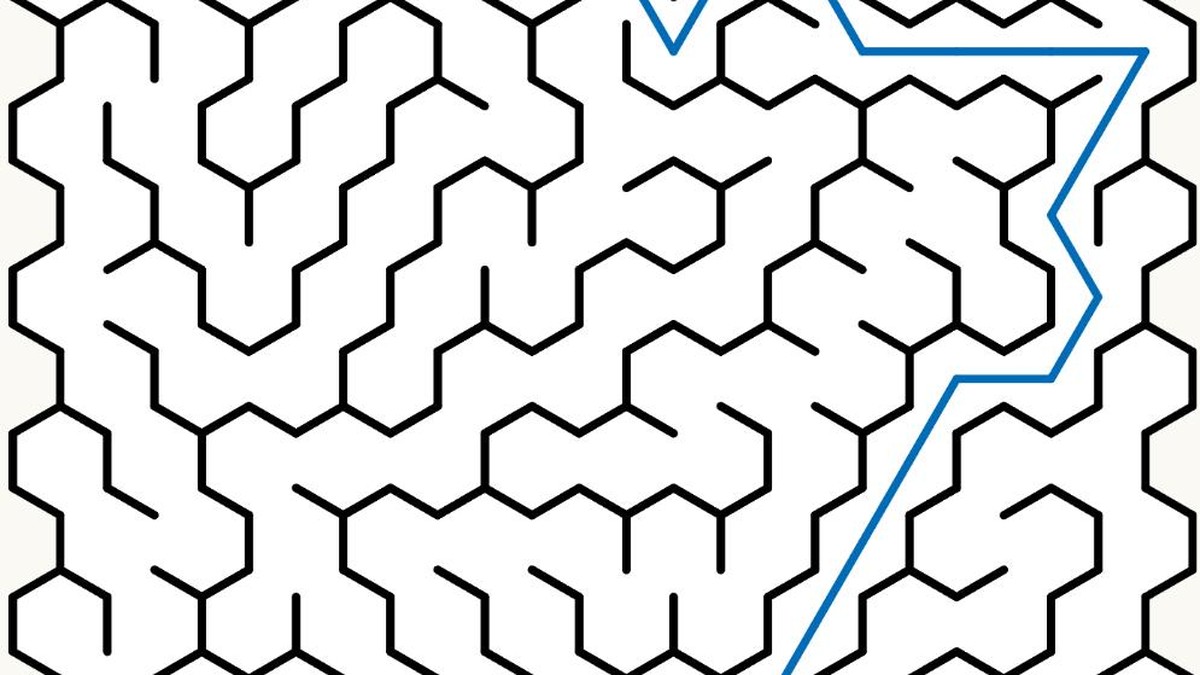
- Play and Solve modes. A child can trace the path on screen, and an adult can reveal the solution instantly to check work without hunting through it by eye.
- Print / Save as PDF. One button, a clean print-ready page with no sidebar or clutter.
How to make a maze in under a minute
- Open the maze generator and pick a shape — square is the default and the easiest to start with.
- Set the width and height. Smaller numbers for younger kids, bigger for a longer challenge.
- Pick an algorithm, or leave it on the default — each one gives a different look, so it is worth trying a few.
- Click New Maze. A fresh maze generates instantly; click again for another one at the same settings.
- Click Print / Save as PDF to get a clean printable page, or Download to save the image.
Ideas beyond "here's a worksheet"
- Indoor recess or a rainy afternoon. Generate five mazes at increasing sizes and let kids work up through them.
- Early finishers. A maze printed at the right size fills five quiet minutes without needing to be graded.
- Homeschool morning basket. A quick, low-pressure warm-up before the rest of the day's work.
- Pencil-control practice. Small, tight corridors on a bigger grid are good practice for staying inside the lines, without it feeling like a drill.
- Seasonal worksheets. Use the mask tool to shape a maze like a pumpkin for October or a heart for February, and it instantly looks purpose-made.
Mazes are all about fine lines and narrow corridors, so print quality matters more than you'd think. Print at 100 per cent scale rather than "fit to page" so corridor widths stay consistent, and see our home printing guide and paper guide for the settings that keep thin lines from washing out.
There is no limit on how many mazes you can generate, and nothing to sign up for — it is meant to sit in a teacher's or parent's browser tab and get used the same way a printer does.
Build a maze that fits your kid
Pick a shape and a size, click New Maze, and print. Free, unlimited, no login and no watermark.
Try the maze generator →